Umbric
Leaves no trace. Shows nothing.
No trace. Nothing shown.
Available on the App Store. iOS 26.0 or later.
Leaves no trace. Shows nothing.
No trace. Nothing shown.
Available on the App Store. iOS 26.0 or later.
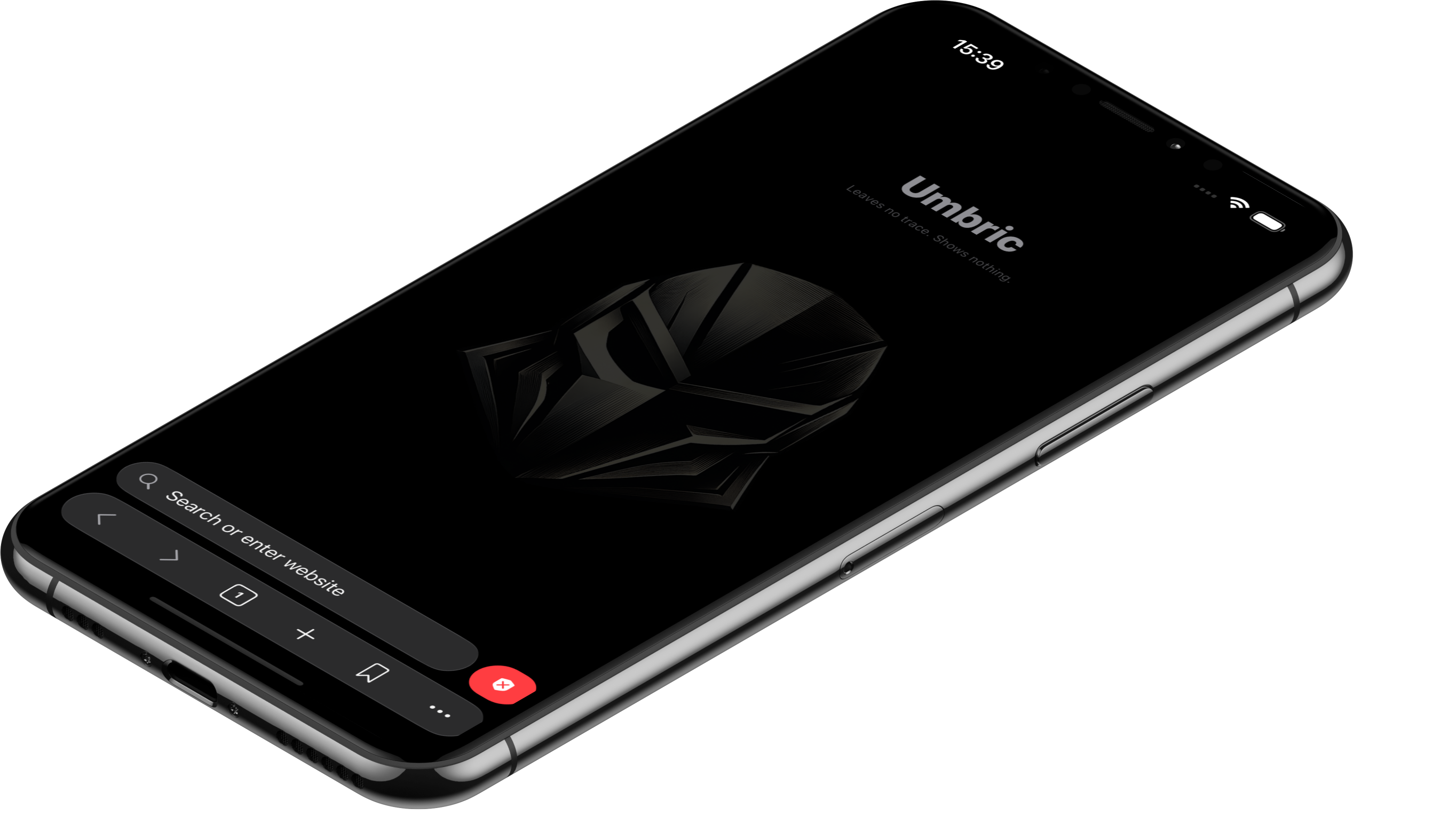
Everyday moments when you don't want to be seen — protected by default.
Sense someone watching, send the app to background, and Umbric auto-camouflages the screen. Even the App Switcher preview is replaced.
Hand your phone over for a second. Your Private Mode tabs, history, and bookmarks stay locked behind Face ID — only the regular space is visible.
Tap the red shield to wipe cookies, history, cache, and recently closed tabs at once. Nothing persists between sessions either, by default.
"Leaving no trace" and "showing nothing" are different problems. Umbric handles both, by default.
Cookies, cache, and web storage are not persisted between sessions and never sent externally. Browsing history stays on-device only and can be wiped with one tap.
Designed for the moment a glance comes near, a brief hand-off, or a need to disguise. The screen auto-camouflages the instant you switch away.
Three core moves, surrounded by a thoroughly engineered defense layer.
The moment you switch away, the current page is replaced with a decoy view. First-line defense against shoulder surfing, App Switcher previews, and screenshots.
The red shield next to the address bar wipes tabs, recently closed tabs, cookies, cache, and history — by category — in a single action.
A fully separate browsing space behind Face ID. Tabs, history, and bookmarks are independently managed from the regular mode.
More features
Redraw the line of protection by your own hand. Layer active "shows nothing" controls over the free defenses.
A quick tilt pulls the camouflage screen over. Sensitivity adjustable in three stages.
Shake to wipe all tabs and cookies at once — a gesture you can't trigger by mistake.
The camouflage screen takes over automatically during screen recording or mirroring.
Replace the app icon and display name. "Umbric" disappears from the Home Screen.
A hidden bookmark folder behind Face ID — yours alone.
Tampermonkey-style scripts. Customize and automate sites freely.
More Pro features
I wanted a private search to stay private — seen by no one, saved by no one.
Existing browsers offer "private tabs" and "clear history," but those are actions you have to remember every time. Forget once, and the trace remains. And there are areas no setting can cover — the person sitting next to you, the brief moment you hand your phone to family, the preview frame in the App Switcher.
Umbric is an iOS browser that makes "no trace, nothing shown" the default. It builds on Apple's own privacy machinery while actively responding to the physical situations where you can be seen.
— MRCY
"Umbric" combines Umbra (Latin for shadow) with the idea of a deft, well-considered move. Sit beside you without taking up space, slip out of sight the moment a glance comes near — your privacy, kept by your own hand.
Leaving no trace isn't about deceiving anyone. It's about taking care of your own privacy.
No trace. Nothing shown. — Umbric.
Free on the App Store. iOS 26.0 or later.
Pro is always one tap away inside the app.